
The Report Library on the Zenergi Customer Portal provides access to a range of detailed energy reports, designed to help you monitor consumption, track budgets, and analyse billing data. These reports are especially useful for customers with a Bill Validation service or a Meter Operator/Data Collector (MOP/DC) contract, as they rely on validated data to deliver powerful insights.
-
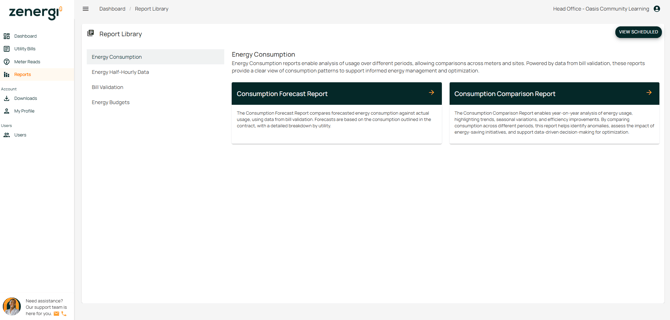
Reports can be accessed from the Report Library or via the Reports menu icon located on the sidebar.
-
The Report Library includes categories such as Energy Consumption, Energy Half-Hourly Data, Bill Validation, and Energy Budgets.
-
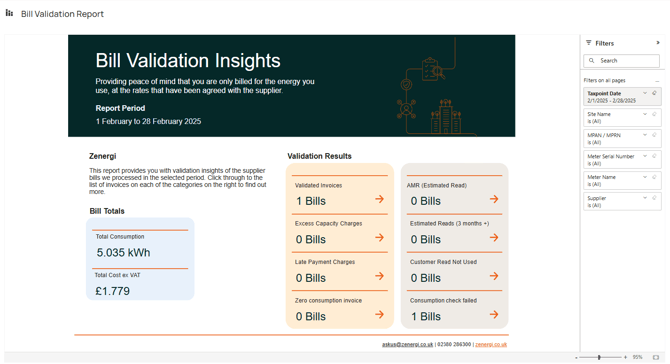
Reports are built using Power BI, featuring an interactive filter pane on the right-hand side, which can be expanded to refine your view.
Important: Access to these reports typically requires a Bill Validation service or a MOP/DC contract with us for half-hourly data. If you wish to access this data and do not yet have these services, please contact us: