Registering Your Account
Important: if you previously used our old portal (myzenservice.zenergi.co.uk), you must register a new account—your previous password will not work.
-
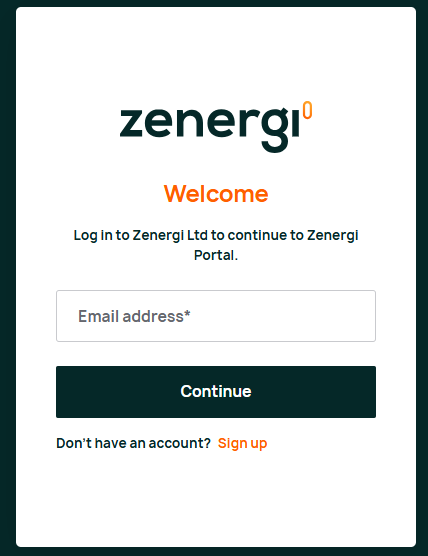
Visit portal.zenergi.co.uk.
-
Click the "Sign Up" link
 .
. -
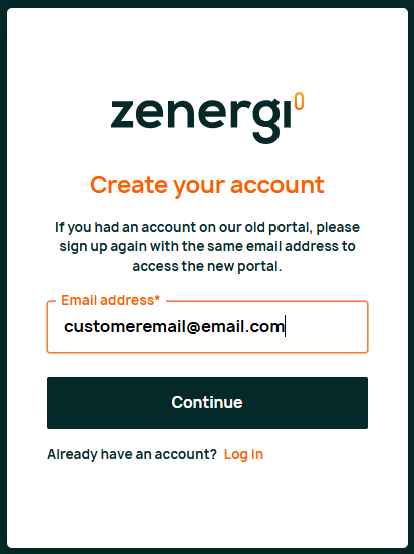
Enter your email address when prompted and submit.
-
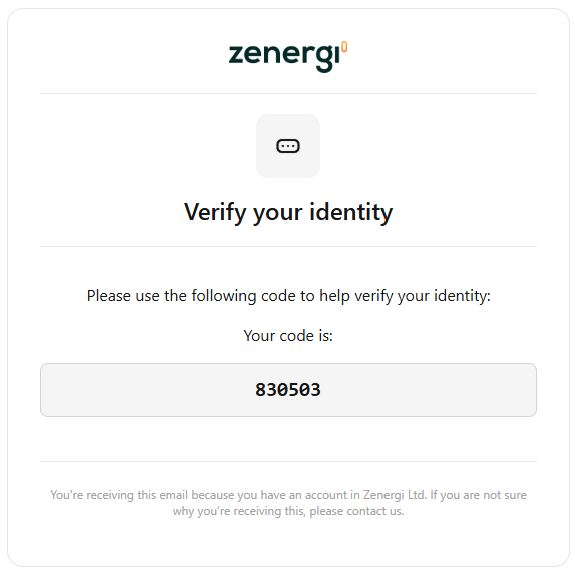
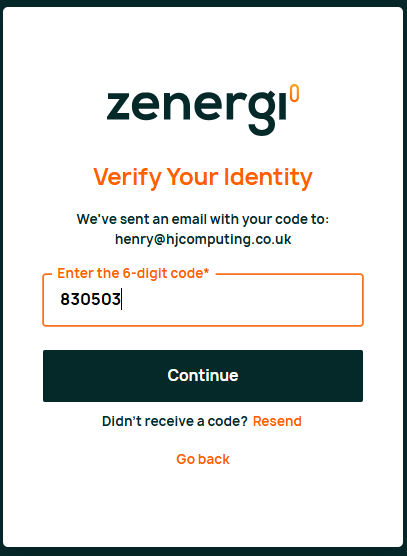
You will receive an email containing a verification code.
-
Return to the portal and enter the verification code.
-
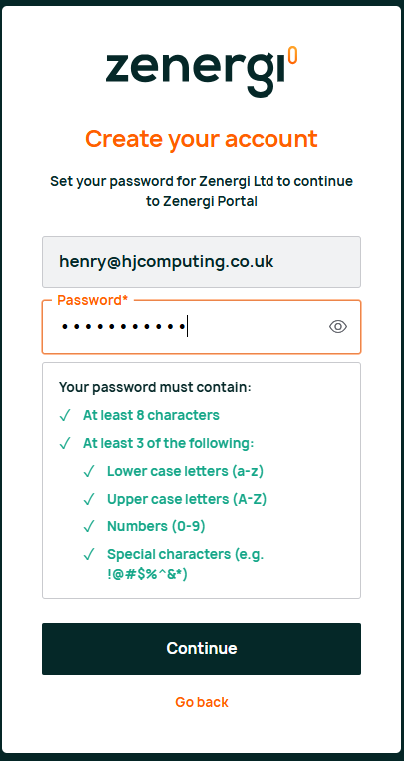
You will then be prompted to create your password. Password requirements will appear on-screen.
Accessing the Portal After Registration
-
Log in using your email address and newly created password.
-
If your registered email matches an existing Zenergi account, you'll immediately have access to the portal.
-
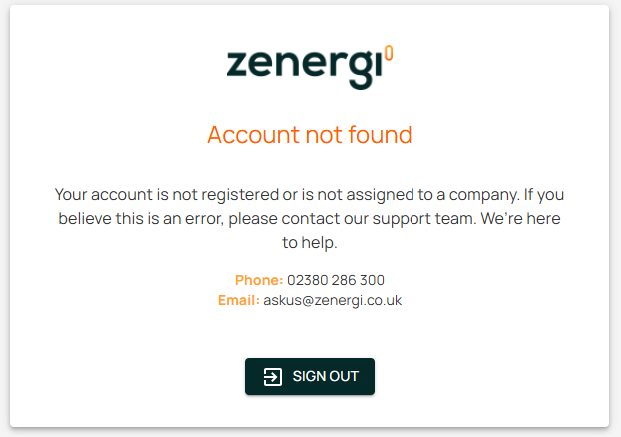
If your account is not recognised, you'll see a message prompting you to contact us.
Note: Typically, your account should already be set up in our system. Contact us only if prompted.
Logging in Again (Multi-Factor Authentication)
-
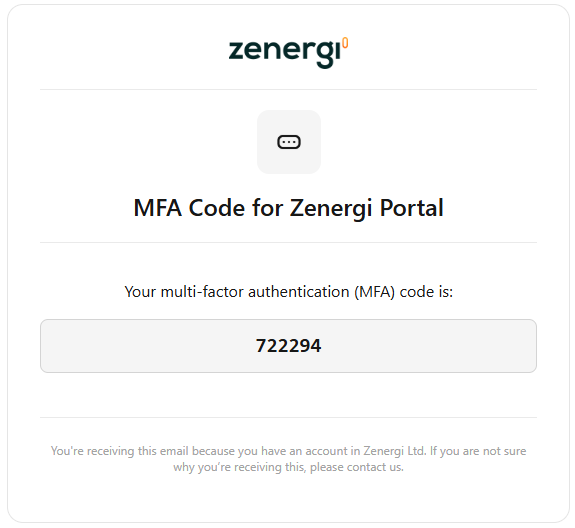
Each time you log in, you'll receive a new verification code via email.
-
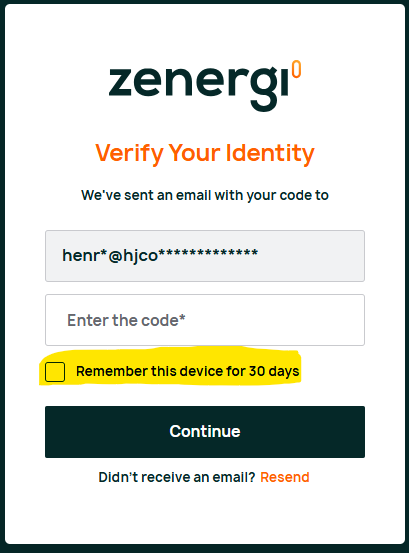
Enter the code on the login page to access your account.
-
You can select the option "Remember this device for 30 days" to simplify future logins.