
Forgotten Password
Important: if you previously used our old portal (myzenservice.zenergi.co.uk), you must register a new account—your previous password will not work.
-
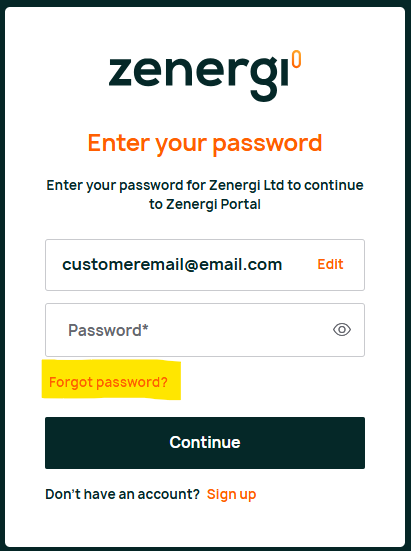
If you've forgotten your password, enter your email address on the login screen, click the "Continue" button and then press the "Forgot Password?" link underneath the "Password" box.
- You will receive an email with a password reset code. Make a note of this code.
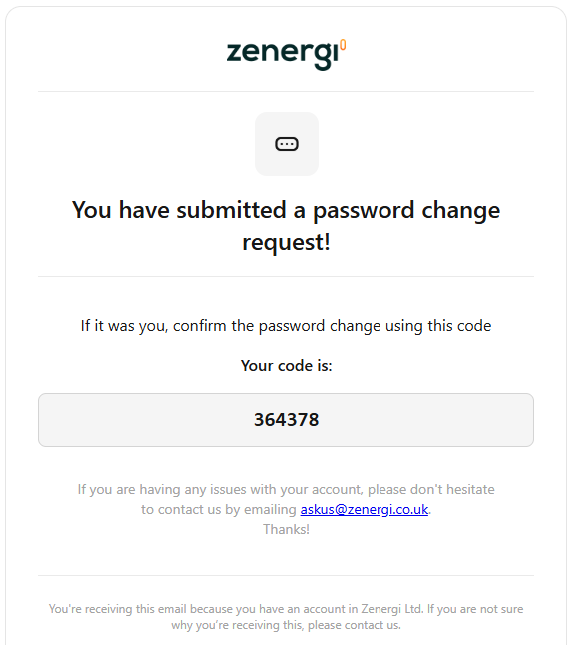
- Go back to the portal and enter the code to reset your password.